Understanding Document and Link Tracking Tools
What Is Document and Link Tracking?
Document and link tracking refers to the methods and technologies enabling organizations to monitor who accesses their documents and hyperlinks, as well as understanding how often and in what contexts they are used. This type of tracking is becoming increasingly vital as businesses move more of their operations online, highlighting the need for tools that provide insights into document usage and engagement. By employing a document and link tracking tool, users can gather data such as when documents are opened, how long they're viewed, and the actions taken with shared links.
Key Features of Effective Tools
When assessing the efficacy of document and link tracking tools, several key features should be front of mind:
- User Activity Logs: Comprehensive logs that detail user interactions with documents or links.
- Real-Time Notifications: Alerting users when a document is accessed or modified, ensuring immediate awareness of engagement.
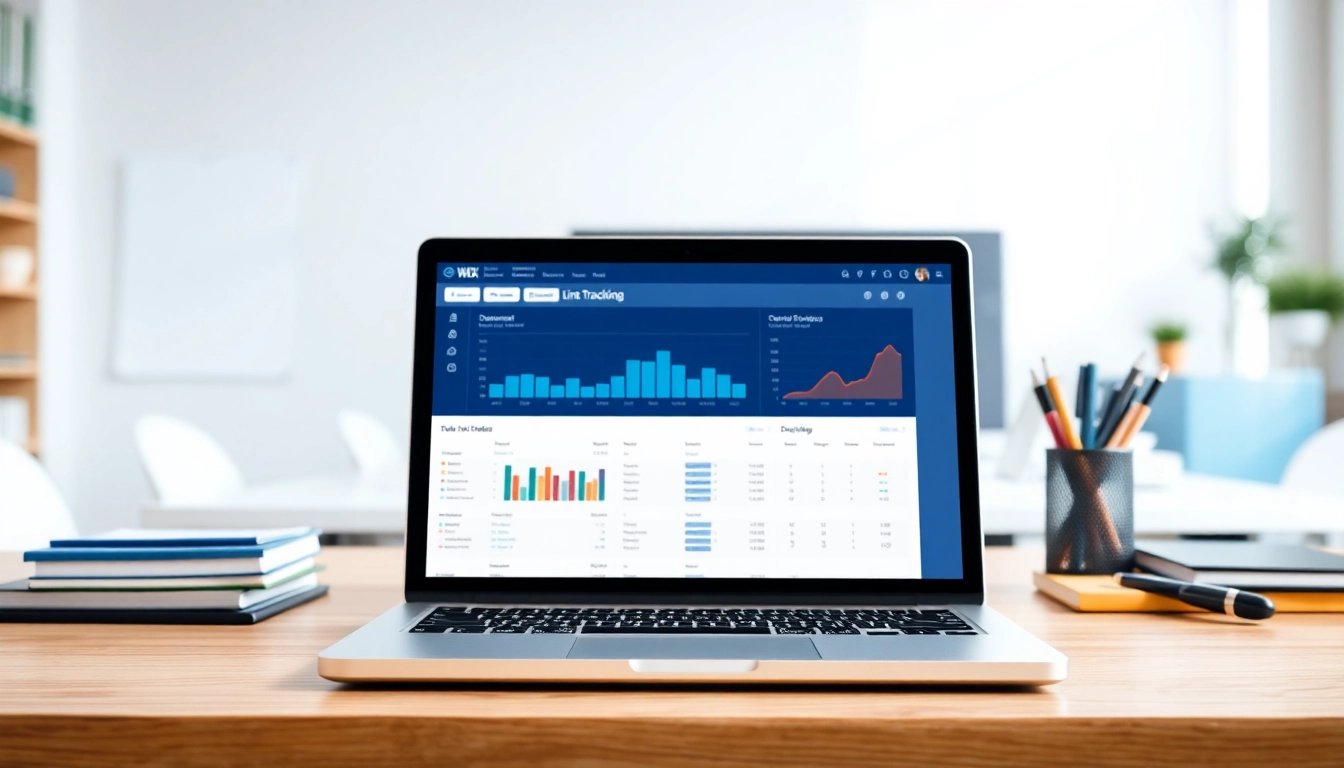
- Analytics Dashboard: Visual representation of user data, trends, and general engagement metrics for easy interpretation.
- Link Expiry Options: The ability to set an expiration on shared links enhances security by limiting access over time.
- Integration Capabilities: Seamless integration with other tools and platforms, enhancing the overall efficiency and effectiveness of workflow.
Why Use Document and Link Tracking Tools?
The implementation of document and link tracking tools is beneficial for multiple reasons. First and foremost, they provide a quantifiable method to evaluate the performance of shared content. This data allows organizations to refine their content strategies based on real user interactions. Furthermore, tracking enhances security measures, as it helps in identifying any unauthorized access or changes to sensitive documents.
Benefits of Implementing Document and Link Tracking
Enhanced Collaboration and Communication
Document and link tracking tools enhance collaboration by allowing multiple stakeholders to gain visibility into how documents are utilized. This transparency facilitates better communication among teams since everyone can see the updates or changes that have been made. For example, if an internal document is frequently accessed by team members, it indicates its relevance, prompting discussion and potentially augmenting collaborative efforts.
Increased Accountability and Transparency
With detailed records of who accessed what and when, document and link tracking promotes accountability. Team members can be held responsible for reviewing, editing, or sharing documents as necessary. This accountability can cultivate a culture of trust and responsibility within teams, leading to higher performance levels.
Streamlined Workflow Management
Implementing a document and link tracking tool can also streamline workflow management. By automatically collating data on document usage, organizations can identify bottlenecks in their processes and work toward resolving these issues. This could involve fine-tuning the document sharing process or providing additional resources for the most accessed documents, thus improving overall efficiency.
Choosing the Right Document and Link Tracking Tool
Evaluating Essential Features
When it comes to selecting the right tool, it's crucial to evaluate its features against your specific needs. Consider whether the tool supports your preferred document types, provides adequate reporting capabilities, and includes user-friendly access controls. The tool should adapt to your business processes rather than forcing you to change your workflow.
Comparing Pricing and Plans
Cost can be a significant factor in choosing a document and link tracking tool. Many tools offer tiered pricing plans based on features and user limits. Performing a cost-benefit analysis of the features you need against what various vendors provide is essential for making an informed decision.
Reading User Reviews and Testimonials
User reviews and testimonials provide invaluable insight. They not only reflect users’ experiences with a tool but also highlight potential pain points that you may want to consider. Be sure to look at ratings across multiple platforms to get a well-rounded view of the tool's reliability and effectiveness.
Best Practices for Utilizing Document and Link Tracking
Setting Up Tracking Processes
For optimal gains from document and link tracking, consider establishing well-defined processes. This includes setting guidelines for what should be tracked and how that information should be utilized. Create a standardized system for naming documents, categorizing links, and enabling tracking features to ensure consistency across all shared materials.
Training Your Team Effectively
Ensuring that your team is trained in utilizing the document and link tracking tool is critical. Organize structured training sessions that cover not only how the tool works but also its benefits. Encourage feedback during these sessions to address any concerns or suggestions and to foster a culture of continuous improvement.
Reviewing and Analyzing Data Regularly
Regular review of tracking data is vital for informed decision-making. Designate times to analyze the information gathered from your tracking efforts and use this data to adjust your content strategies or link-sharing policies. Create reports that summarize key findings and distribute them among relevant stakeholders to promote transparency.
Measuring Success with Document and Link Tracking Tools
Key Performance Indicators to Monitor
To gauge the effectiveness of your document and link tracking, there are several key performance indicators (KPIs) to monitor. These include the number of times documents are opened, the duration of views, the actions taken after accessing the documents (like edits or downloads), and feedback from users regarding their experience with the documents shared. Monitoring these KPIs over time can provide insights into trends and user engagement levels.
Adjusting Strategies Based on Data
With the insights gained from your KPIs, strategies can be adapted and tailored to meet the evolving needs of your stakeholders. For instance, if tracking shows a consistent drop in engagement with certain documents, it may indicate a need for revisions or updates to those documents to enhance their relevance and effectiveness.
Case Studies of Successful Implementations
Case studies reflect real-world applications of document and link tracking tools, showcasing their benefits. For example, a marketing team that adopted a tracking tool observed a 30% increase in the dissemination of important materials within the first quarter. By analyzing access data, the team identified key documents that required updates, thus enhancing their overall effectiveness in campaigns.
FAQs About Document and Link Tracking Tools
What types of documents can be tracked?
Most document and link tracking tools can track various file types, including PDFs, Word documents, and presentations, along with hyperlinks.
Are document and link tracking tools secure?
Yes, reputable tools implement robust security measures, including encryption, to safeguard your documents and data from unauthorized access.
How do I evaluate the effectiveness of my tracking tool?
Monitor key performance indicators like document views, time spent, and user feedback to gauge the effectiveness of your tracking efforts.
Can multiple users access tracked documents simultaneously?
Yes, most tracking tools allow multiple user access, though limitations may vary based on the specific tool's configuration and plan.
Is training necessary for using tracking tools?
While most tools are user-friendly, providing training can enhance team efficiency and ensure all features are utilized effectively.