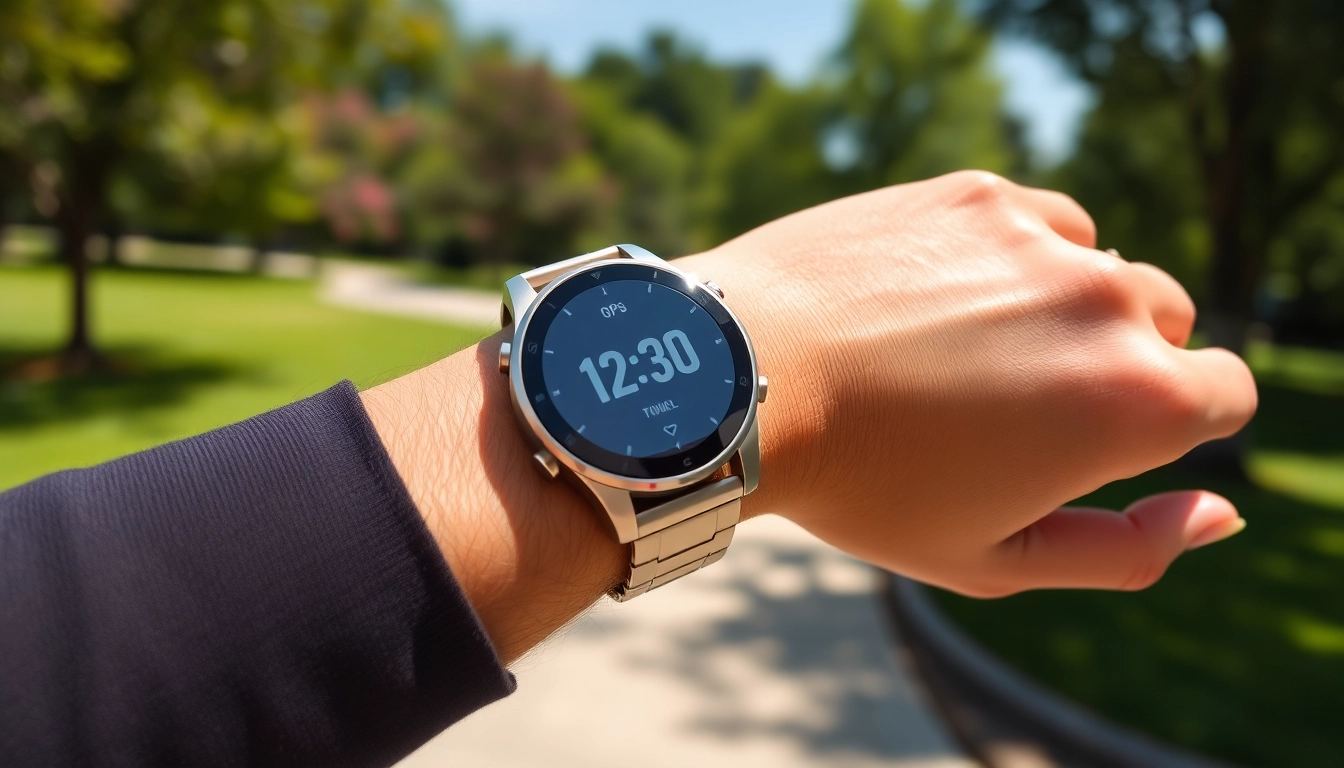
Understanding the Explorer Plus GPS Smart Watch Features
Core Functionality of Explorer Plus GPS Smart Watch
The Explorer Plus GPS Smart Watch is designed for individuals who seek more than just timekeeping. This smartwatch integrates various functionalities that enhance users' day-to-day experiences. Primarily, it offers advanced GPS tracking, allowing users to navigate outdoor spaces effortlessly. With a responsive touch screen, the watch displays clear information, while its durable construction makes it ideal for both active and casual settings. Moreover, it operates on a user-friendly interface that makes accessing various features intuitive, making it easier for anyone to adopt.
Health Monitoring Capabilities
Health tracking remains a pivotal aspect of the Explorer Plus GPS Smart Watch. It incorporates a heart rate monitor that provides real-time cardiovascular data, essential for fitness enthusiasts and those monitoring their health. The sleep tracking feature analyses the quality of sleep, offering insights to improve overall well-being. Step counting, calorie tracking, and distance measurement are further functionalities that empower users to understand their daily activities better. Overall, these health monitoring capabilities not only motivate users to maintain an active lifestyle but also provide critical health insights.
Connectivity Options
The Explorer Plus GPS Smart Watch excels in connectivity, featuring compatibility with various devices through Bluetooth. This ensures that users can synchronize their watch with smartphones, enabling call notifications, message alerts, and music control straight from their wrist. Additionally, the smartwatch supports multiple app integrations, transforming it into a central hub for daily activities. Whether it's navigating through a busy city or engaging with fitness applications, this seamless connectivity fosters an enhanced user experience.
Getting Started with the Explorer Plus GPS Smart Watch
Unboxing and Initial Setup
Unboxing your Explorer Plus GPS Smart Watch is an exciting moment, as the package typically includes the watch, a charging cable, and a user manual. Begin by fully charging the device before first use, which usually takes a couple of hours. Following the charge, power on the smartwatch by holding the side button for a few seconds. The setup process involves choosing your preferred language, connecting to Wi-Fi, and pairing your smartwatch to a smartphone for complete functionality.
Navigating the User Interface
Mastering the user interface of the Explorer Plus GPS Smart Watch is essential for optimizing your experience. The main screen typically features widgets that provide quick access to essential information. Swiping left or right allows navigation through different features, while tapping enables you to delve deeper into each functionality. Take time to familiarize yourself with settings; adjusting them to personal preferences can significantly enhance usability and enjoyment.
Syncing with Mobile Devices
Syncing the Explorer Plus GPS Smart Watch with mobile devices is a straightforward process. Begin by downloading the compatible app on your smartphone, often indicated in the user manual. Once installed, ensure Bluetooth is activated on your phone. Open the app, follow the prompts to pair your device, and once connected, you can receive notifications, track health metrics, and control music directly from the smartwatch. This integration provides a seamless experience, making it easier to manage daily tasks.
Maximizing Usage of the Explorer Plus GPS Smart Watch
Customizing Settings for Personal Goals
To leverage the full potential of the Explorer Plus GPS Smart Watch, personalized settings tailored to individual goals are crucial. Whether aiming to increase daily activity or improve sleep quality, customize reminders, and notifications. The watch can notify you to stand or move based on pre-set goals. Moreover, adjust the health monitoring features based on your fitness objectives, ensuring that the data you track aligns with your aspirations.
Utilizing Fitness Tracking Features
The fitness tracking features of the Explorer Plus GPS Smart Watch can play a transformative role in achieving health goals. Engage the activity tracker to monitor steps, calories burned, and distance traveled. Furthermore, set specific fitness challenges, which not only provide motivation but also offer a competitive spirit when sharing progress with friends or in community groups. Consistently reviewing your fitness statistics fosters accountability and encourages continuous improvement.
Exploring App Integrations
The versatility of the Explorer Plus GPS Smart Watch extends beyond its built-in features through app integrations. Popular fitness and health apps allow for greater analysis and tracking of personal data. Integrating popular apps can enhance functions like calorie counting or provide structured workout plans. Additionally, some social media integrations allow users to share achievements and experiences, fostering community and support in personal fitness journeys.
Enhancing Your Experience with the Explorer Plus GPS Smart Watch
Using GPS for Outdoor Activities
The GPS functionality of the Explorer Plus GPS Smart Watch is particularly advantageous for outdoor enthusiasts. Whether hiking, cycling, or running, this feature provides accurate location tracking and route mapping. For runners, utilizing GPS distances and pace can refine training and enhance performance over time. Moreover, some models incorporate route-planning features, allowing users to explore new areas confidently while keeping track of previous paths.
Staying Motivated with Performance Metrics
Performance metrics are invaluable for those using the Explorer Plus GPS Smart Watch in their fitness routines. Regularly tracking your progress with features such as average speed, workout durations, and recovery suggestions can keep you motivated. Setting periodic performance reviews helps in acknowledging incremental improvements, thereby reinforcing the habit of staying active. Applying this data to adapt your training regimen can lead to sustained growth and achievement of fitness goals.
Engaging with the Smart Watch Community
The importance of community engagement often goes overlooked in fitness journeys. The Explorer Plus GPS Smart Watch offers several avenues for users to connect with like-minded individuals. Utilizing social features within companion apps and participating in challenges or leaderboards cultivates a supportive environment. Sharing experiences, workouts, and achievements can elevate motivation and accountability, ensuring users remain committed to their fitness aspirations.
Frequently Asked Questions about Explorer Plus GPS Smart Watch
What are the main features of the Explorer Plus GPS Smart Watch?
The Explorer Plus GPS Smart Watch features GPS tracking, heart rate monitoring, sleep tracking, activity tracking, and smartphone notifications, making it versatile for daily use.
How long does the battery last on the Explorer Plus GPS Smart Watch?
The battery life of the Explorer Plus GPS Smart Watch can last several days on a single charge, depending on usage and settings, such as GPS functionality being active.
Can I swim with the Explorer Plus GPS Smart Watch?
Yes, many models of the Explorer Plus GPS Smart Watch are water-resistant, allowing users to swim and track their swimming metrics without concerns of water damage.
How does the GPS tracking work in the Explorer Plus GPS Smart Watch?
The Explorer Plus GPS Smart Watch utilizes satellite technology to track movements accurately. Users can retrieve real-time location data while outdoor activities are performed.
Is the Explorer Plus GPS Smart Watch compatible with all smartphones?
The Explorer Plus GPS Smart Watch is compatible with most smartphones, provided they support Bluetooth connections and are running updated operating systems compatible with the smartwatch app.